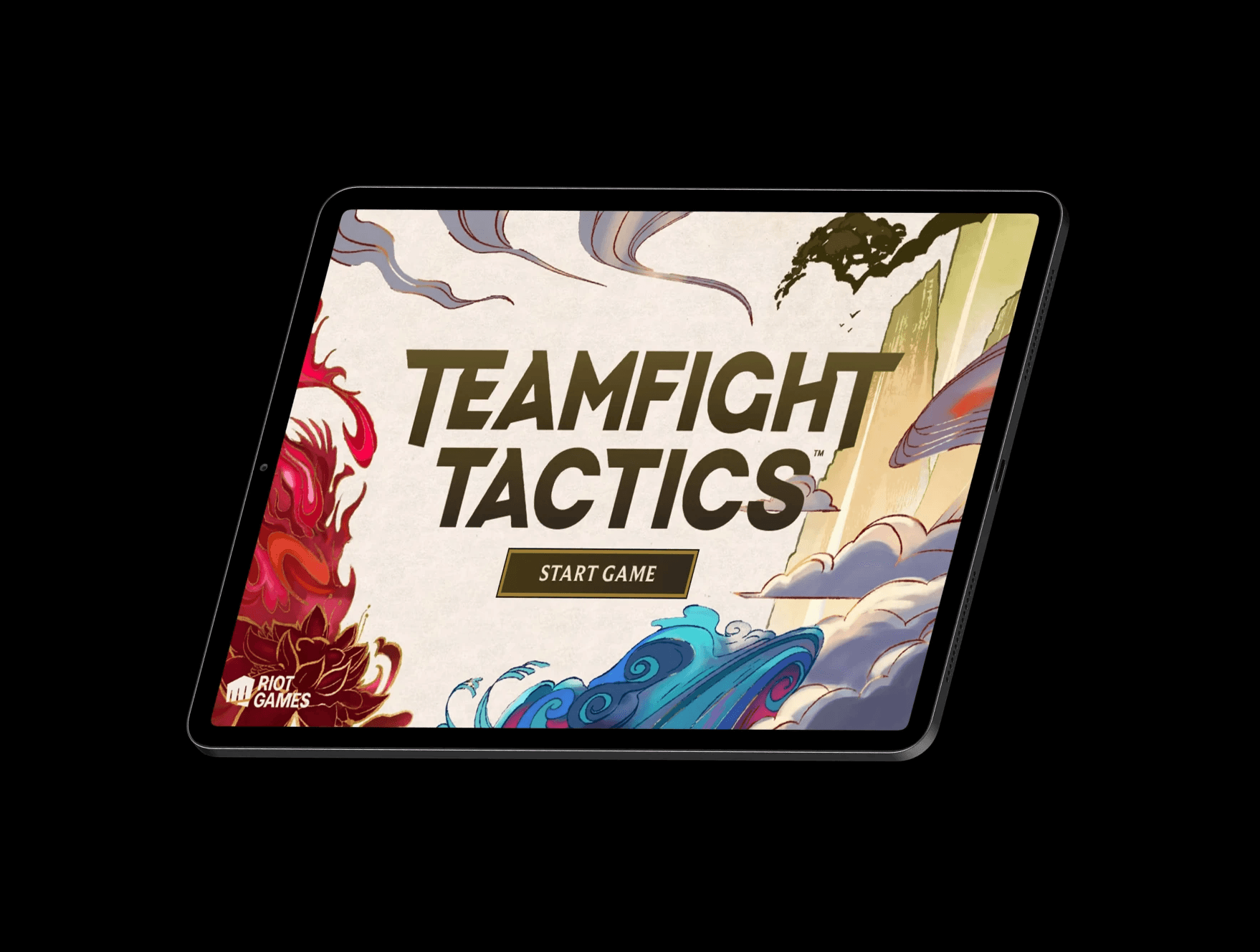

Project Overview.
Teamfight Tactics is a game defined by information density and fast decision-making. This project focuses on analyzing TFT’s UI and visual systems, exploring how hierarchy, readability, and feedback guide player behavior while keeping the experience clear and engaging.
Through studying overlays, interactions, and visual cues, I gained a deeper understanding of how intentional design decisions shape player experience at scale and how complex systems communicate effectively under pressure.
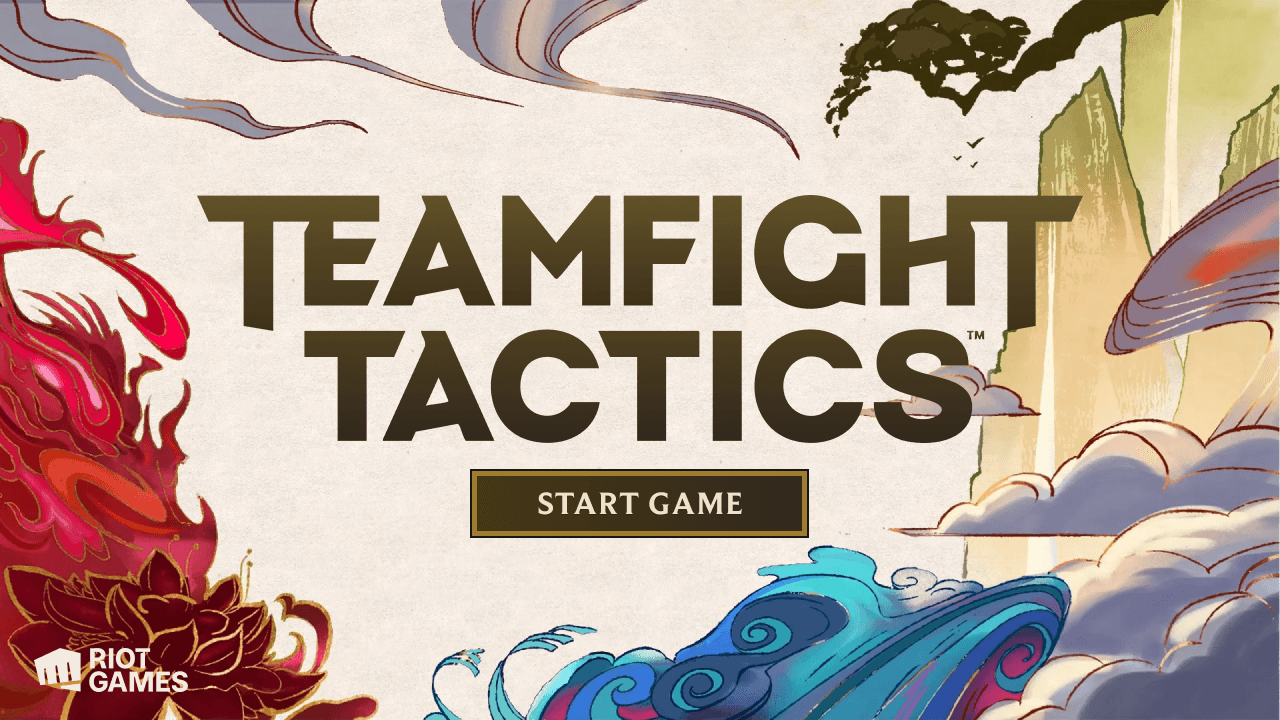
Final Screens
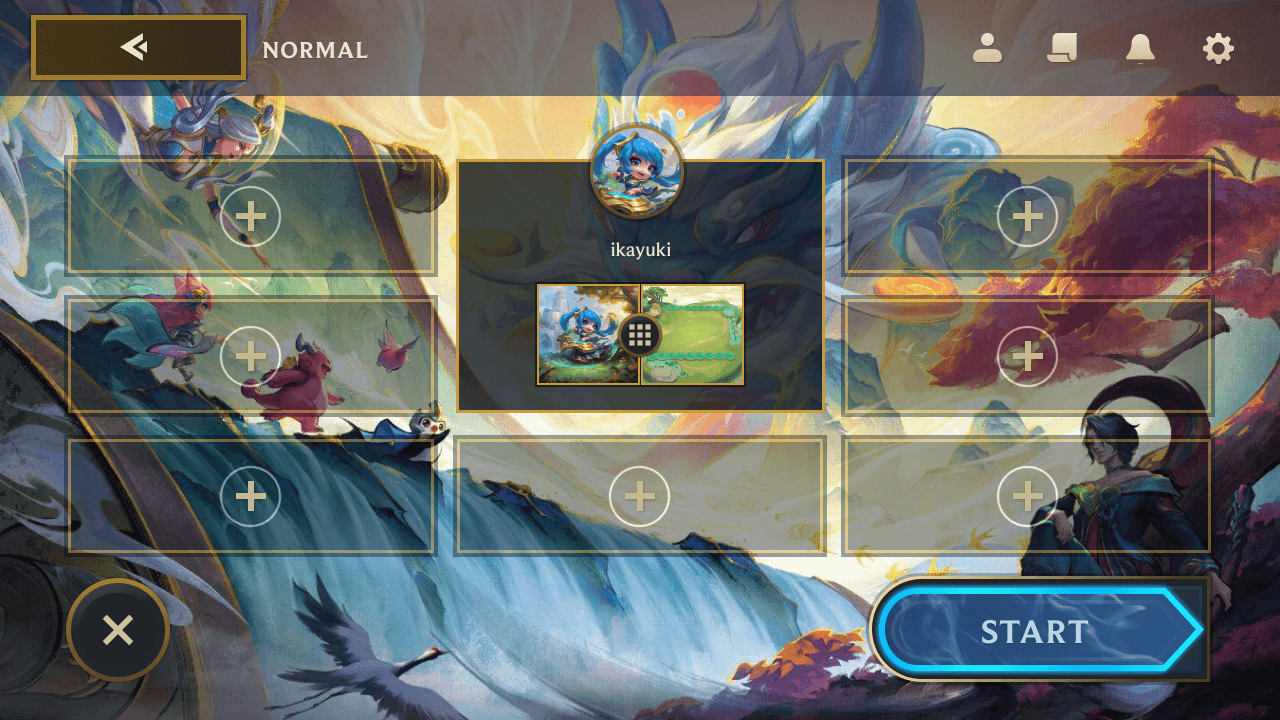
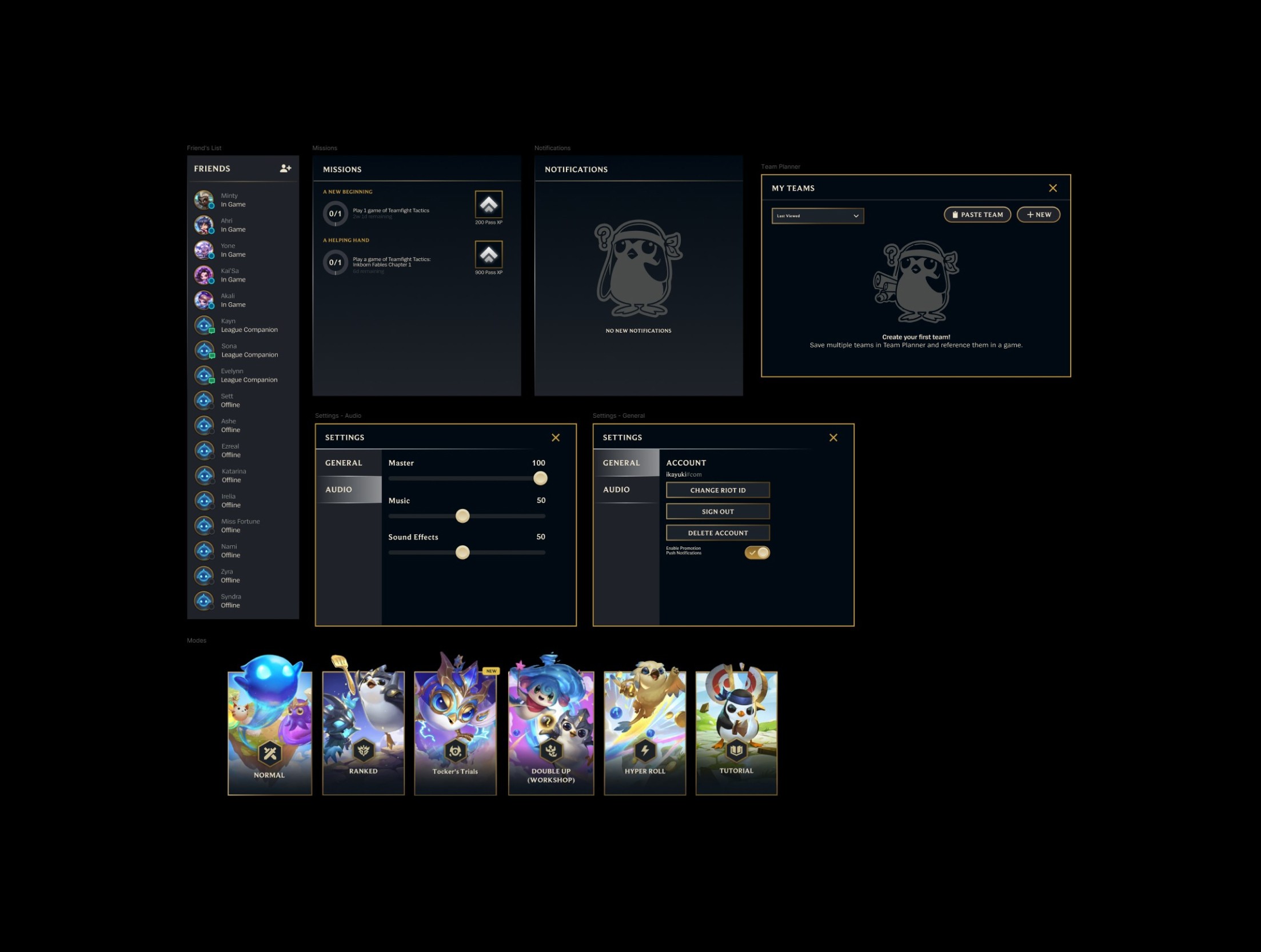
I focused on the essential sections shown in the game for this project. While analyzing the Teamfight Tactics interface, I noticed the game primarily uses many overlay components rather than navigating to new screens so that players can easily access and exit the different overlay options. For the project, I created a start page, home page, lobby page, store page and the following overlay components: friends, missions, notifications, settings, team planner and the game mode selection.
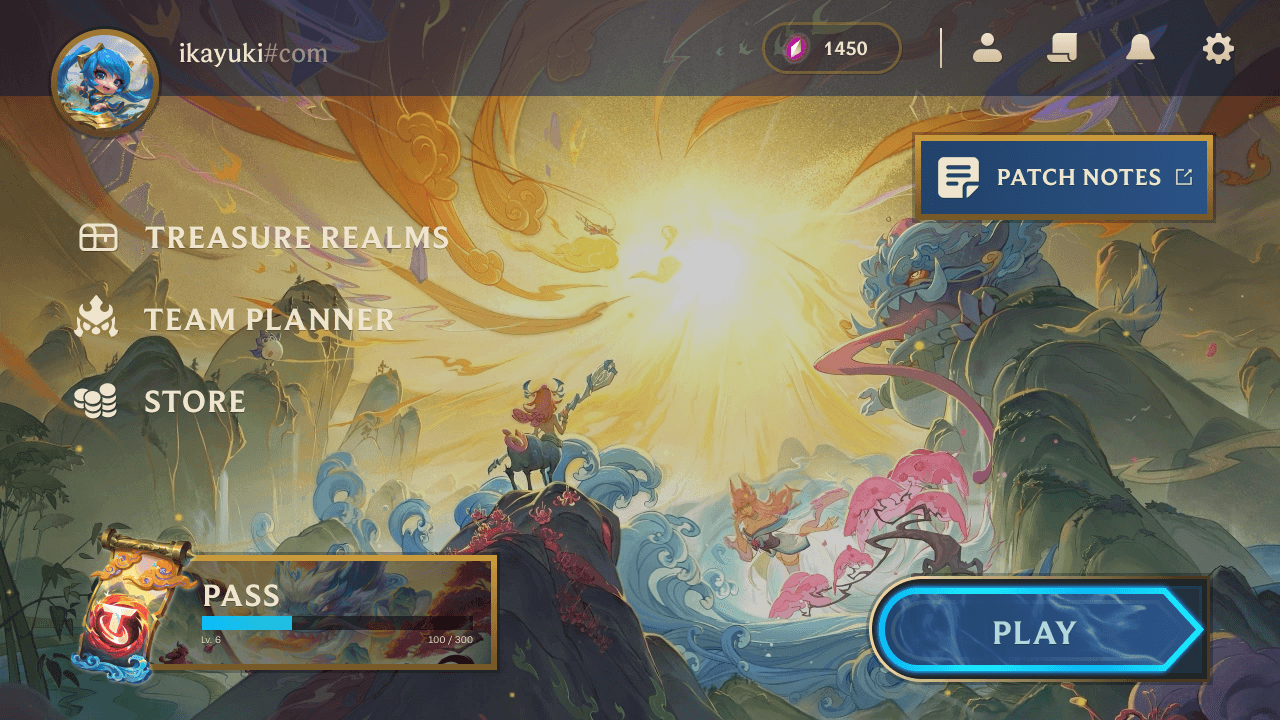
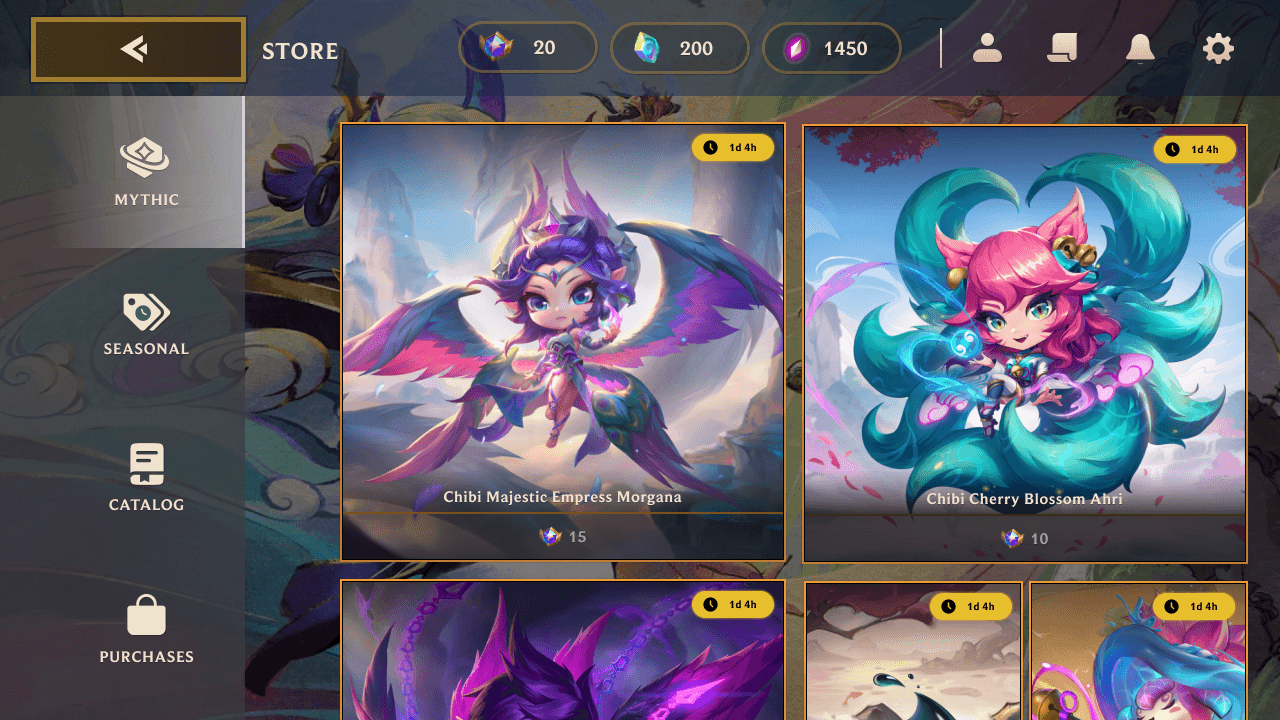
Challenge.
This project challenged me to break down and understand the nuances of game UI design (an area I hadn’t explored before) by translating complex, layered interfaces into clear, functional, and cohesive visual systems. To grow as a designer, I needed to create something that strayed away but still aligned with my design goals and growth. Trying to adhere to the design guidelines was more difficult since its design origins are from an era from around a decade ago. Also to challenge myself a little more by doing a different sized mobile adaptation (phone to tablet).
Constraints.
Design
Teamfight Tactics' design system
Experience Type
Mobile Experience
Feasibility
Keeping designs the same as existing Teamfight Tactics components while understanding my skill set and time frame
Understanding the System
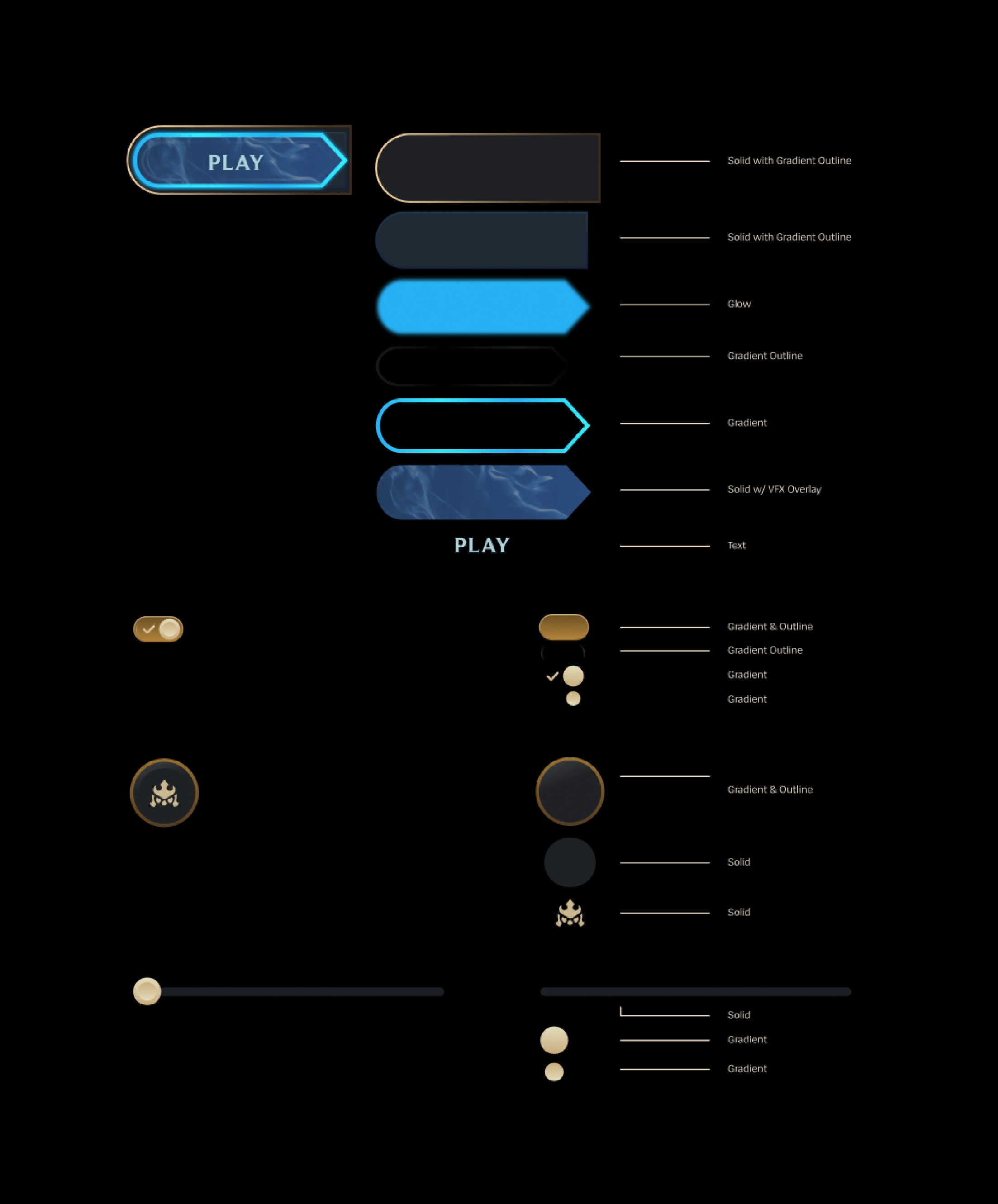
Since this project was meant for me to step outside my comfort zone for my usual design style. I took extra attention to focus on why things are designed the way they are instead of making it look the same.
Components and Overlays
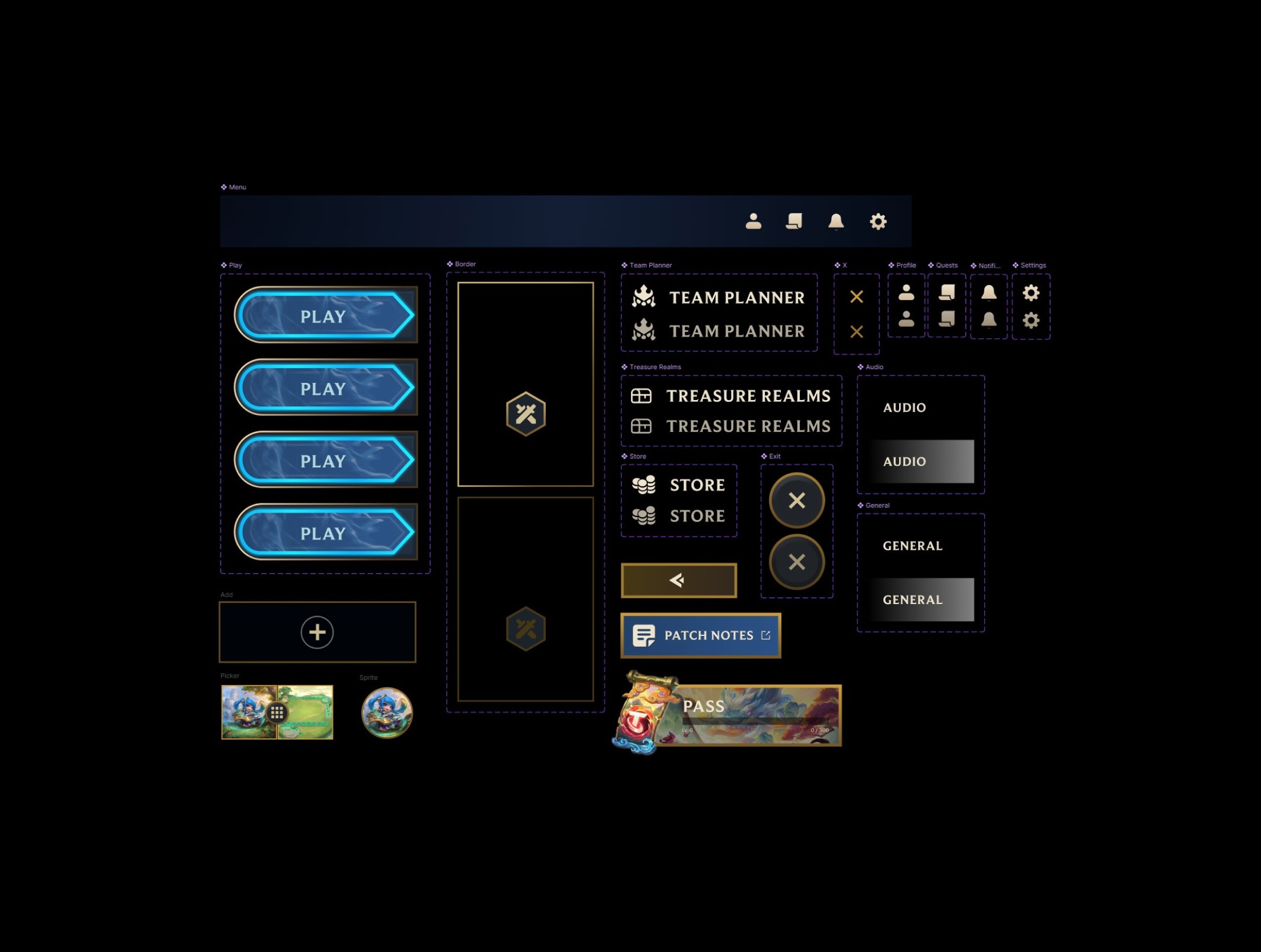
As mentioned before, Teamfight Tactics incorporates a lot of pop-up overlays into its design instead of navigating to a new screen. The following are the active overlays and components used in my project: friends, missions, notifications, settings, team planner, game mode selection, menu, buttons with press and hover states.
Visual Design Analysis
I always viewed League of Legends and its spin-off games to have complex UI in comparison to Riot Games' tactical first-person shooter, VALORANT. Comparing League of Legends to Teamfight Tactics, the UI has become more minimal while still feeling complex from the heavy influence of League of Legends' compared to other current popular titles like Genshin Impact or Minecraft.
Keep in mind that the original League of Legends released in October 2009 (I was barely five years old). During the early 2000s, skeuomorphic designs* were trendy and popular. Explaining the reason for the use of gradients to mimic the glossy effect and using scrolling components, glowing frames. The current visual design and branding has moments of fresh air relevant to current design trends but it's evident that its design reflects the era when the game was still in early stages. League of Legends has a fantasy theme, embellished with polished, metallic, and ornate designs representing the game's world of Runeterra using scrolling components, glowing frames and borders for that fantasy feel.
*Notable skeuomorphic design examples at the time: Instagram, Youtube, Apple (Safari, News, Notes).
Result.
From Overwhelmed to Locked In
When I first looked at the interfaces in Teamfight Tactics, I was honestly overwhelmed. The UI felt dense and intimidating to replicate. Once I broke it down, I realized the structure mirrored how I approach drawing through color blocking and layering.. Components stacked with purpose, hierarchy became clear, and the system started to make sense. That shift turned the project from daunting to genuinely exciting.
Practice Makes Perfect
Through repetition and hands-on experimentation, I was able to design and replicate screens while significantly improving my workflow speed and confidence with complex UI layering. Each pass made the process more intuitive, proving that consistent practice directly translated into stronger execution and clearer design decisions.
Expanding into Game Design
Coming from a background rooted in traditional visual and UX/UI design, this project pushed me to understand the nuances of game UI. Where information density, hierarchy, and interaction behave differently than in standard applications.
Looking Ahead
Exploring game design encouraged me to experiment with tools like Illustrator, After Effects and advanced layering techniques I hadn’t used before, and it’s shaped how I now approach complex systems with curiosity, adaptability, and a stronger UX mindset.